
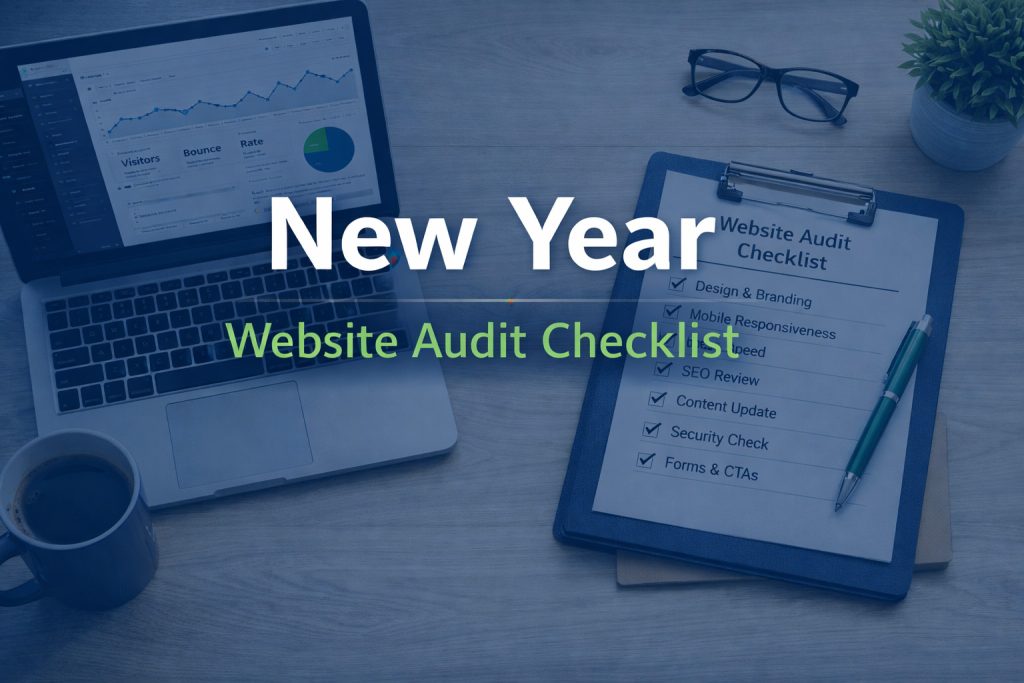
A practical guide to starting the year with a stronger, more effective website
A new year is the perfect time to take a step back and look at how well your website is actually working for your business. Your site is not just a digital brochure. It supports your marketing, builds trust, and often plays a direct role in generating leads or sales.
Technology changes quickly. So do customer expectations, search engine standards, and accessibility requirements. A yearly website audit helps you spot what is outdated, what is underperforming, and where small improvements can make a big impact.
Here is a clear, practical website audit checklist you can use to start the year on solid footing.
Visual Design and First Impressions
Your website should still reflect your brand as it exists today, not how it looked two or three years ago.
Review the following:
- Does your homepage clearly explain what you do within the first few seconds?
- Are fonts, colours, and imagery consistent with your current brand?
- Do pages feel modern, clean, and easy to scan?
- Are there any outdated images, stock photos, or old promotions still visible?
If your business has evolved, your website should evolve with it. Even subtle design updates can significantly improve credibility.
Mobile Responsiveness
Most website traffic now comes from mobile devices, yet many sites are still designed primarily for desktop.
Check your site on:
- Smartphones
- Tablets
- Different screen sizes and orientations
Make sure text is readable, buttons are easy to tap, navigation is clear, and forms are simple to complete. A site that is frustrating on mobile will quietly lose potential customers.
Page Speed and Performance
Slow websites hurt both user experience and search rankings.
Test and review:
- Page load times on mobile and desktop
- Large or unoptimized images
- Unnecessary plugins or scripts
- Hosting performance and server response times
If your site feels sluggish, visitors are unlikely to wait. Speed improvements are often one of the highest return updates you can make.
Content Accuracy and Relevance
Content should be current, helpful, and aligned with how your audience searches and makes decisions today.
Audit your content for:
- Outdated services, pricing, or team information
- Broken links or missing pages
- Pages that no longer serve a purpose
- Blog posts that could be updated instead of replaced
This is also a good time to check tone and clarity. Your content should speak directly to your ideal client and answer their most common questions.
Search Engine Optimization Basics
SEO is not just about keywords. It is about clarity, structure, and relevance.
Review key SEO elements:
- Page titles and meta descriptions
- Clear heading hierarchy (H1, H2, H3)
- Internal linking between related pages
- Image alt text for accessibility and search visibility
You do not need to chase every trend. Focus on making your content easy for both users and search engines to understand.
Accessibility and Compliance
Web accessibility is increasingly important and often overlooked.
Check for:
- Sufficient colour contrast
- Readable font sizes
- Descriptive link text
- Keyboard navigation support
- Alt text on images
An accessible website is more inclusive, easier to use, and often performs better overall.
Forms, CTAs, and Conversion Paths
Your website should guide visitors toward a clear next step.
Test all forms and actions:
- Contact forms
- Newsletter signups
- Booking tools
- E-commerce checkout, if applicable
Make sure confirmations, notifications, and thank you pages are working properly. Even a small form error can quietly block leads.
Security and Maintenance
A secure website protects both your business and your visitors.
Confirm that:
- WordPress, themes, and plugins are up to date
- Backups are running regularly
- SSL is active and valid
- Security plugins or monitoring tools are in place
Regular maintenance reduces the risk of downtime, hacks, and costly emergency fixes.
Turning Your Audit Into Action
Start the Year With a Website That Works for You
Your website should support your business goals, not hold them back. A New Year website audit helps ensure your site is fast, clear, secure, and aligned with how people actually use the web today.
If you would like help reviewing your site or creating a clear improvement plan, LCM Web Design can help you move forward with confidence.